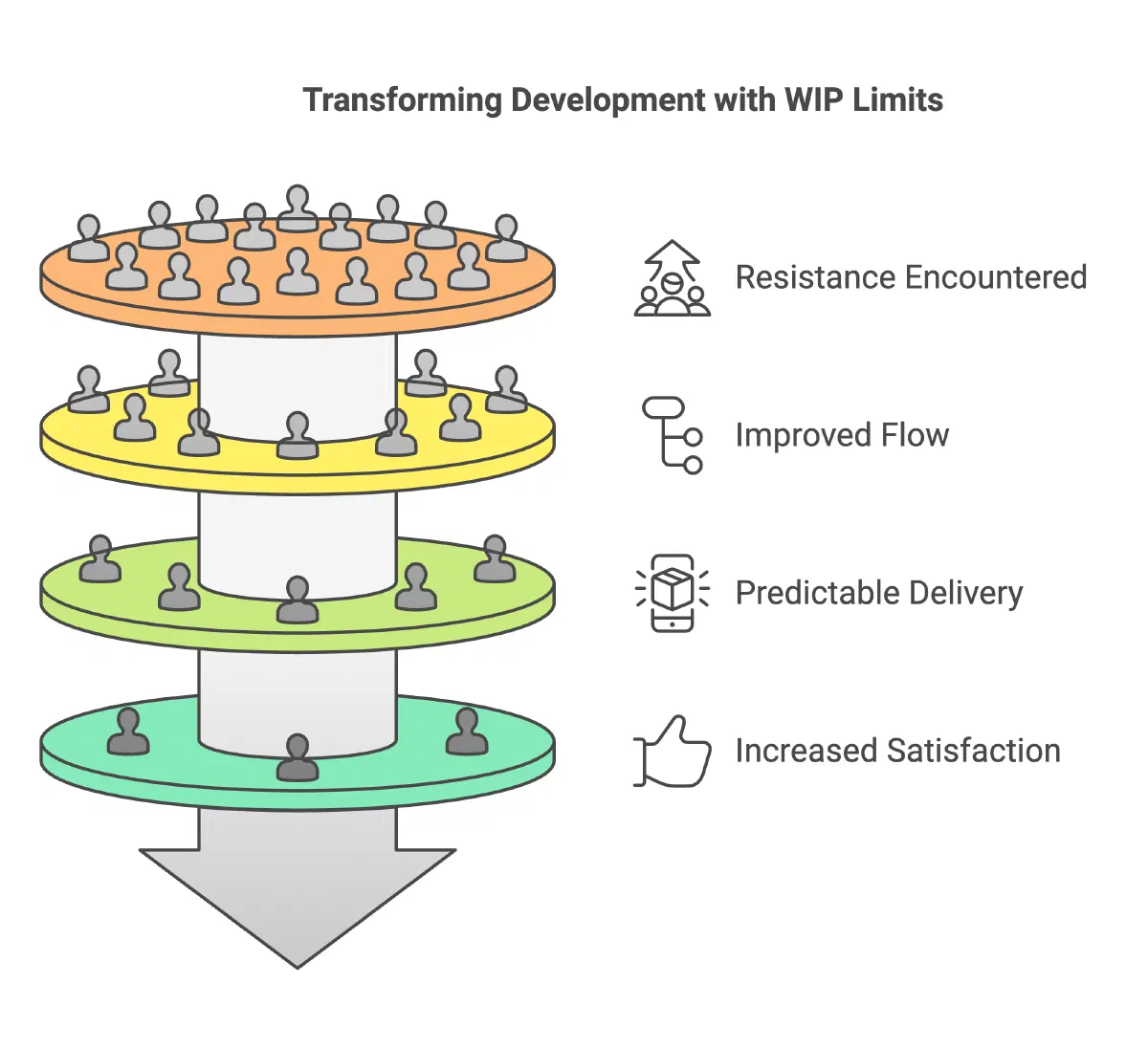
In this post
Picture a growing SaaS company with several remote development teams across time zones. Every morning brings a flood of Slack messages. Developers jump between tasks. Quality suffers. Deadlines slip. The board wants answers.
This is a common situation for non-technical founders. You built your business with a vision. You hired talented people. Yet somehow, your product development feels like steering a ship in a storm.
The solution isn’t working harder or adding more resources. It’s working smarter through Work-in-Progress (WIP) limits.
The Hidden Cost of Multitasking #
Picture your brain as a computer. Every time you switch tasks, it needs to reload the context. Psychologists call these “switching costs,” and the American Psychological Association summarizes research showing that switching between complex tasks costs time and raises error risk (APA: Multitasking: Switching costs).
The same happens to your development team. A developer deep in coding gets interrupted by an urgent bug fix. Twenty minutes later, they return to their original task. The code that was crystal clear now looks foreign. They spend precious minutes rebuilding their mental model.
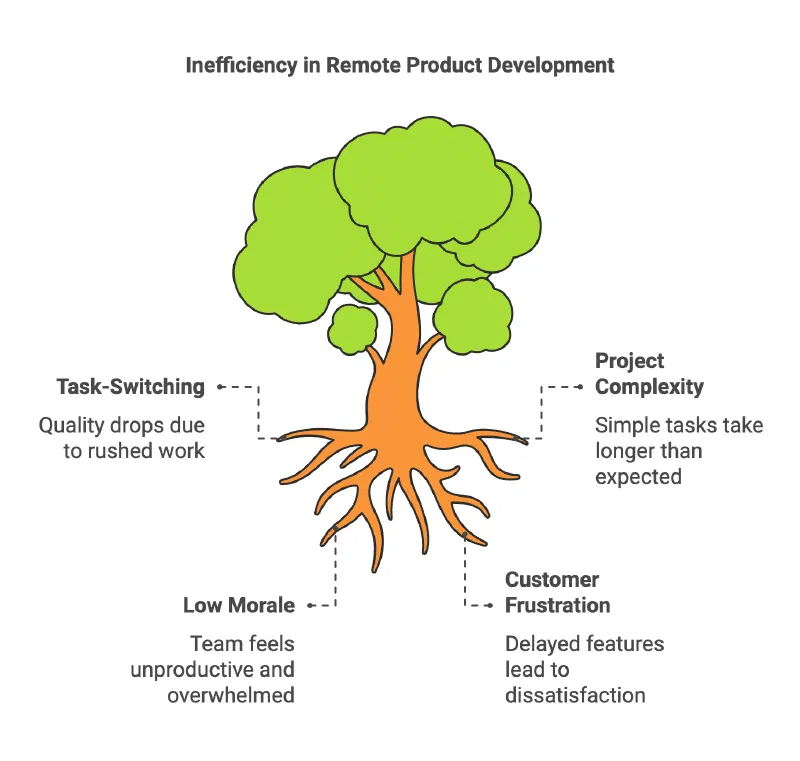
This constant task-switching creates a domino effect:
- Quality drops as developers rush between tasks
- Simple projects take weeks longer than planned
- Team morale sinks as nothing seems to get done
- Customers grow frustrated with delayed features
The WIP Limits Revolution #
Enter WIP limits – a simple yet powerful concept. Think of your workflow as a highway. Too many cars cause traffic jams. Too many active tasks cause development bottlenecks.
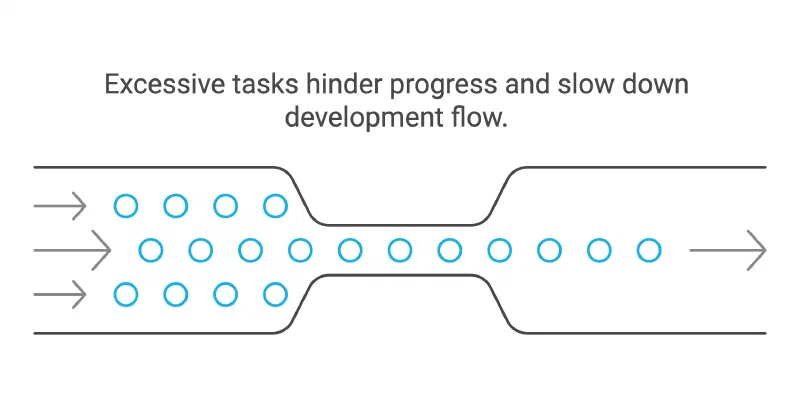
WIP limits set clear boundaries on how many tasks your team can handle at once. It’s like having a bouncer at a club – only letting in as many people as the space can handle.
The Kanban Guide describes the idea this way: effective systems focus on flow of work rather than worker utilization, and limiting WIP balances utilization with flow (Kanban Guide).
There is also simple math behind it. Little’s Law says that for a stable system, the average number of items in progress equals the arrival rate multiplied by the average time an item spends in the system (Little’s law). With the same throughput, fewer items in progress means each item finishes sooner.
Making WIP Limits Work #
Start small. Pick one critical process:
- Count current tasks in progress
- Set a limit slightly below this number
- Track completion times
- Adjust limits based on results
For example, limit each developer to two active tasks. When a critical bug appears, the developer must finish or pause current work before taking it on.
This created healthy discussions about priorities. Product owners thought twice before marking everything “urgent.”
What to Measure #
Track these before and after you set a limit, so you judge the change on your own data:
- Cycle time: days from “started” to “done”
- Escaped defects: bugs found after release
- Throughput: items finished per week
- Team feedback: a short monthly pulse on stress and focus
Common Pitfalls and Solutions #
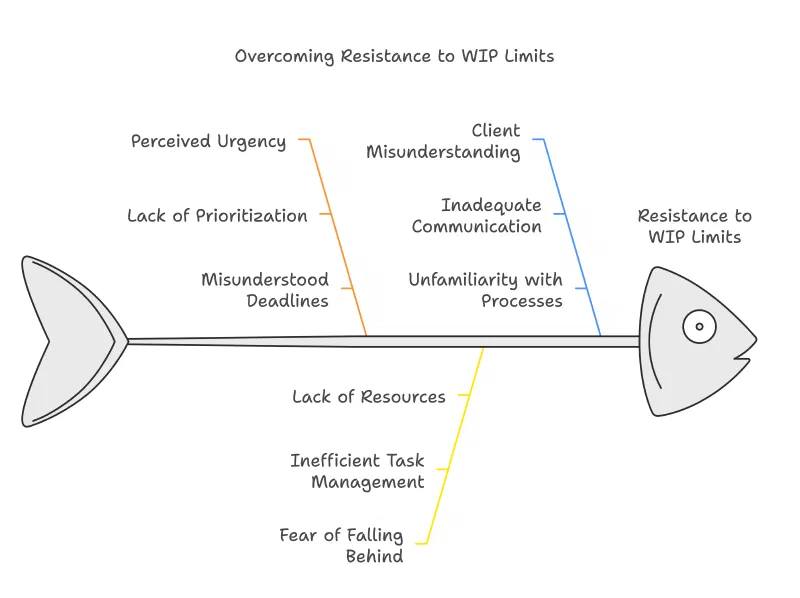
You might face resistance:
“But everything is urgent!” Solution: Create a clear escalation path for true emergencies.
“We’ll fall behind!” Solution: Show how finishing tasks faster leads to higher output.
“Our clients won’t understand!” Solution: Share data showing improved delivery reliability.
Your Next Steps #
- Map your current workflow
- Identify bottlenecks
- Set initial WIP limits
- Measure results
- Adjust based on feedback
Start tomorrow. Pick one team or process. Set a simple WIP limit. Watch what happens.
The Bigger Picture #
WIP limits aren’t just about managing tasks. They create space for:
- Innovation
- Quality work
- Team growth
- Sustainable pace
Your remote teams can deliver more predictably when they finish work before starting more. Measure your own cycle time to see whether it helps.
The choice is yours. Keep spinning plates until they crash. Or build a system that brings order to chaos.
Take the first step. Your future self will thank you.